Features
Equipment intelligence for pipeline operators
PipelineGPT is a verified equipment database plus a field app: know what is installed, find what fits, and track the work — on the web and on Android, wherever your crews operate. Procedures and Guardrails remain part of the system; they sit next to the equipment record instead of replacing it.
Web and mobile, same record
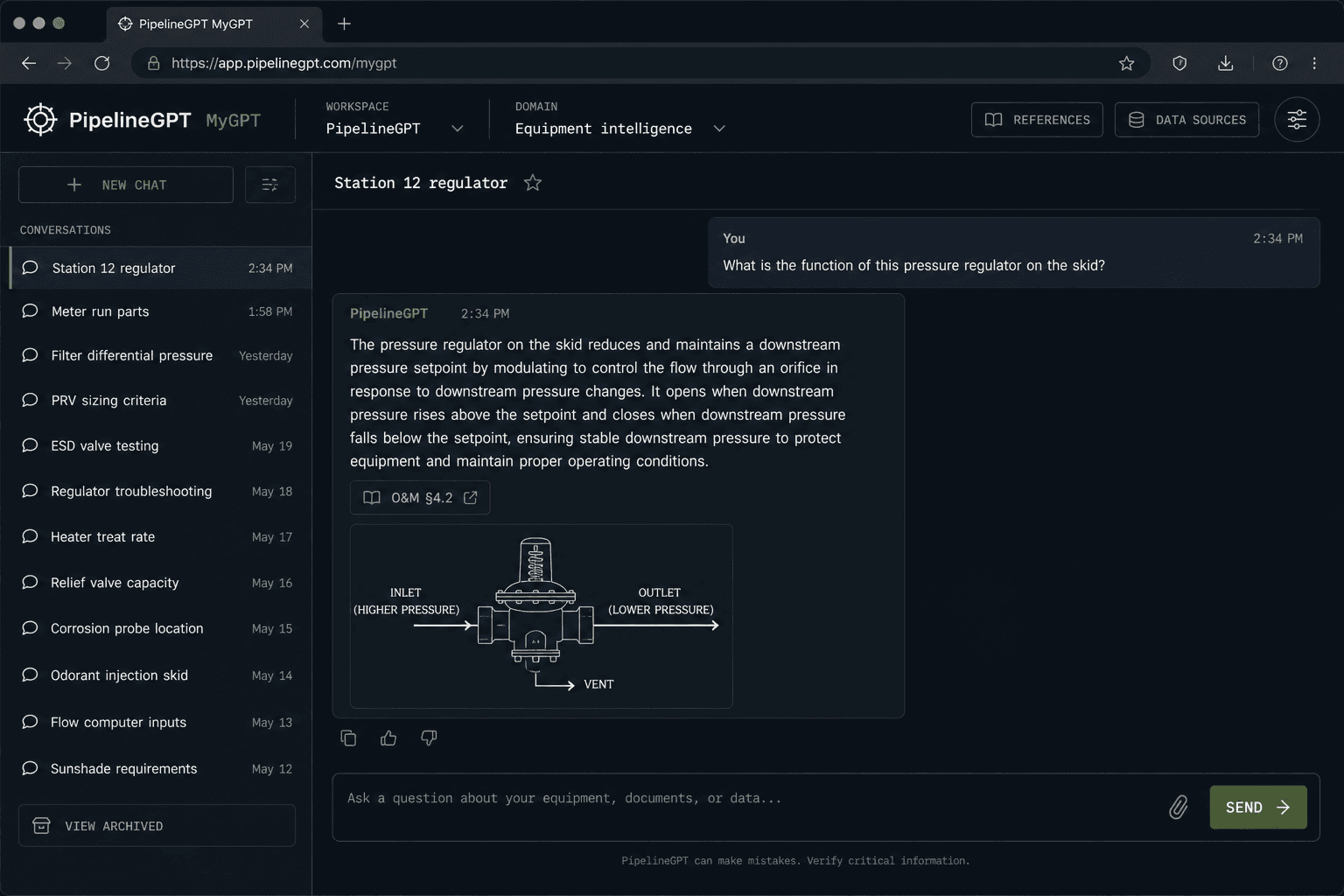
Office teams search the catalog and chat against manuals. Field crews use Field Chat and Records on the phone. Both sides point at the same equipment.
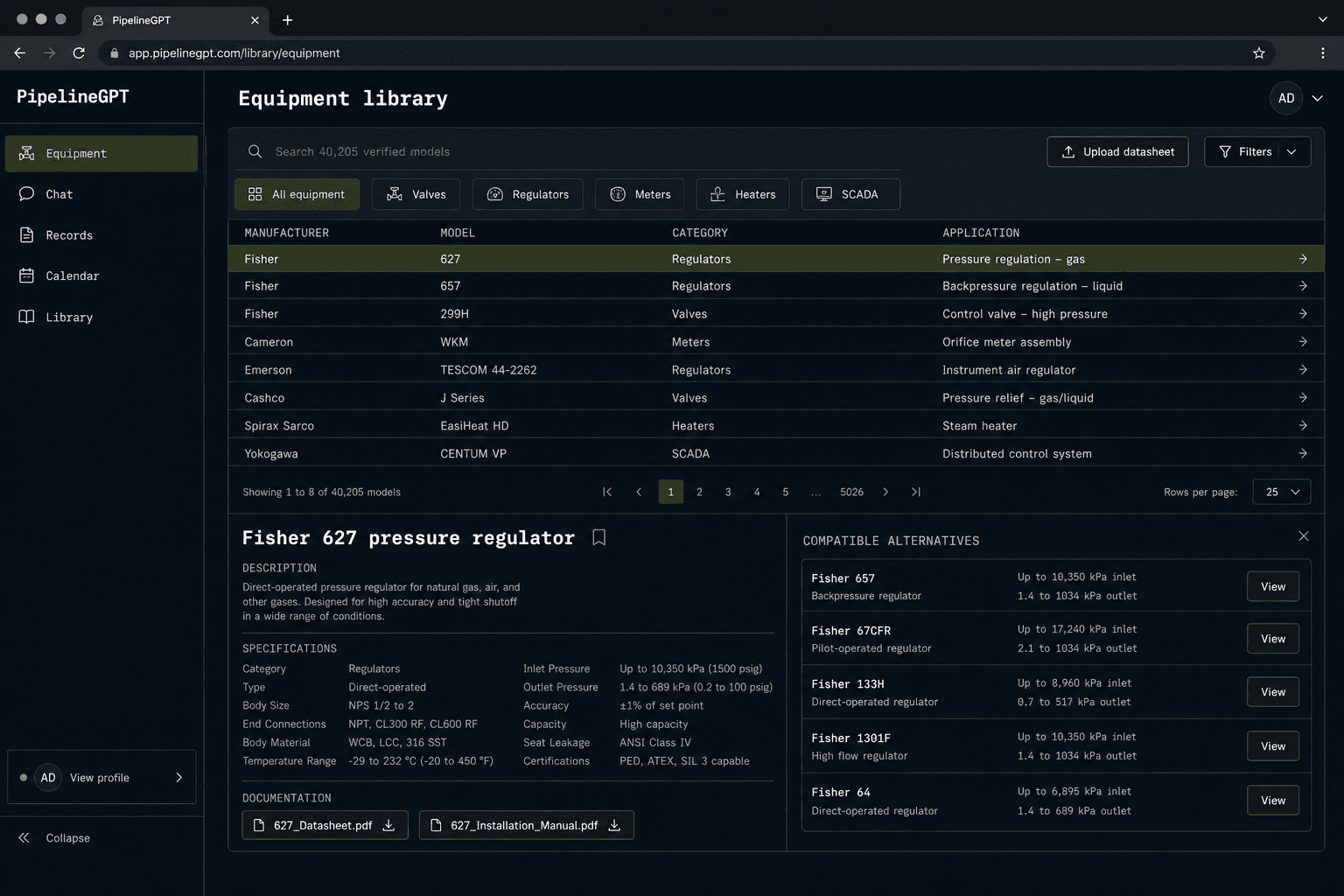
Web · Equipment library
Web · MyGPT chat
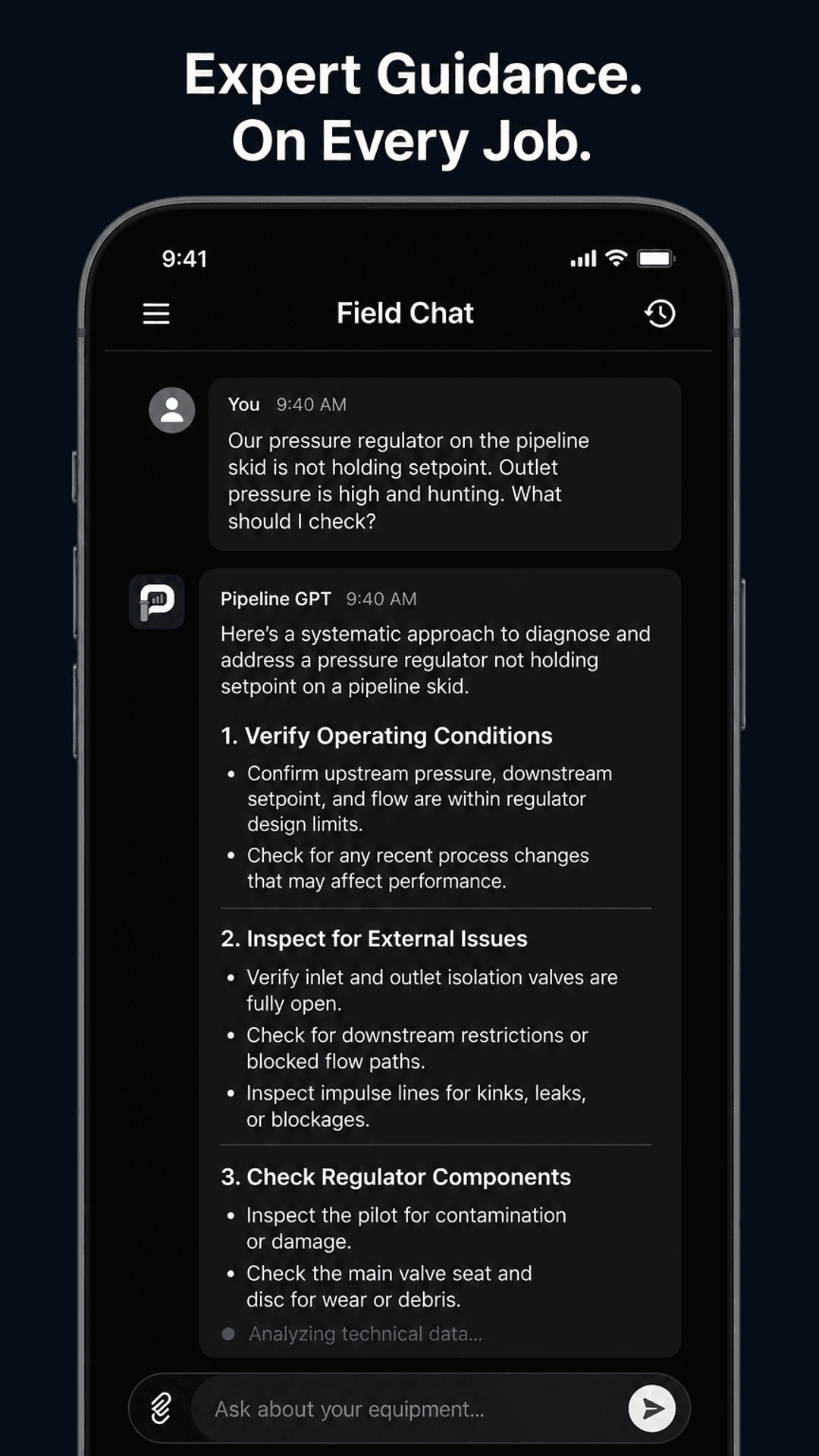
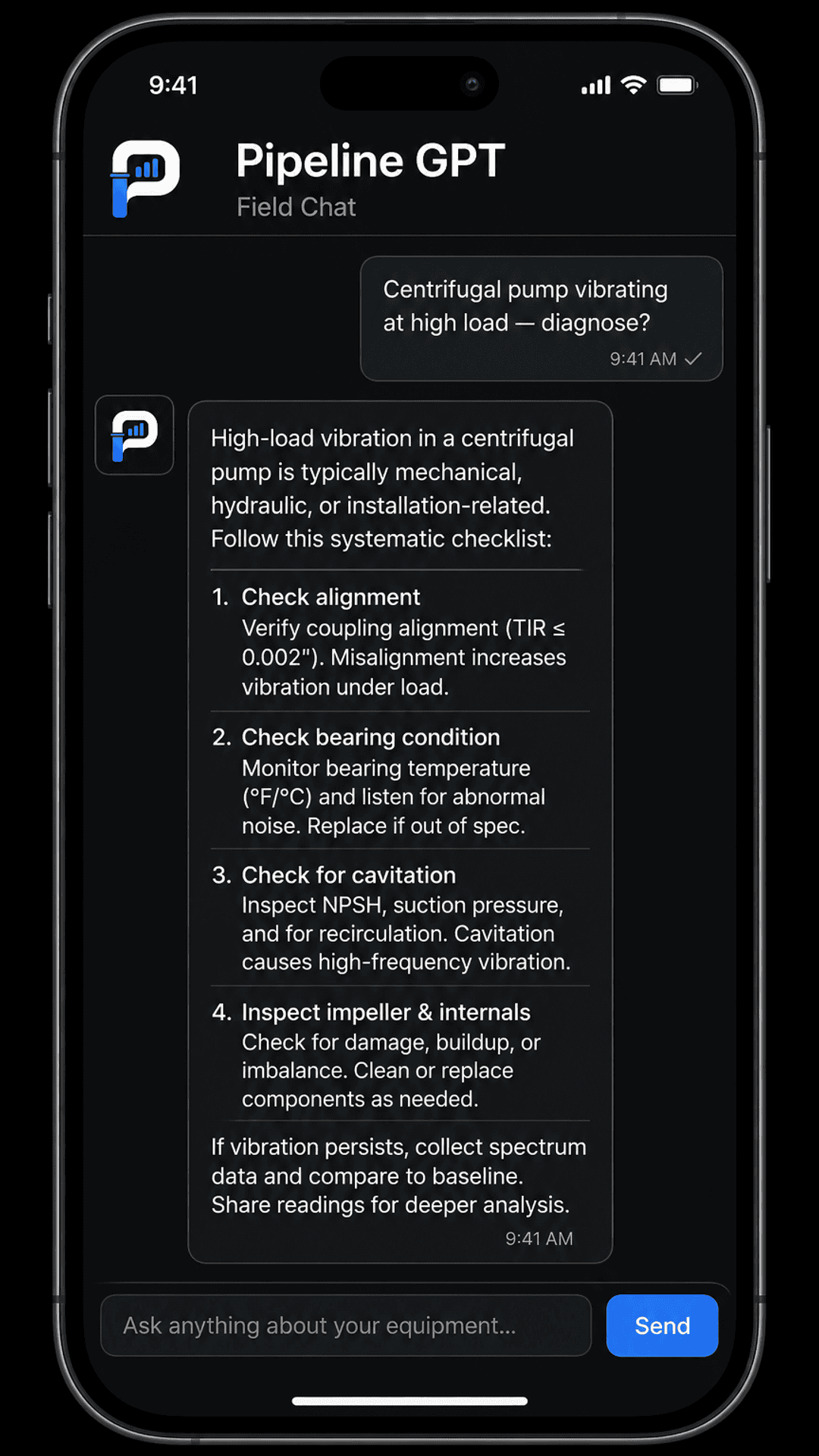
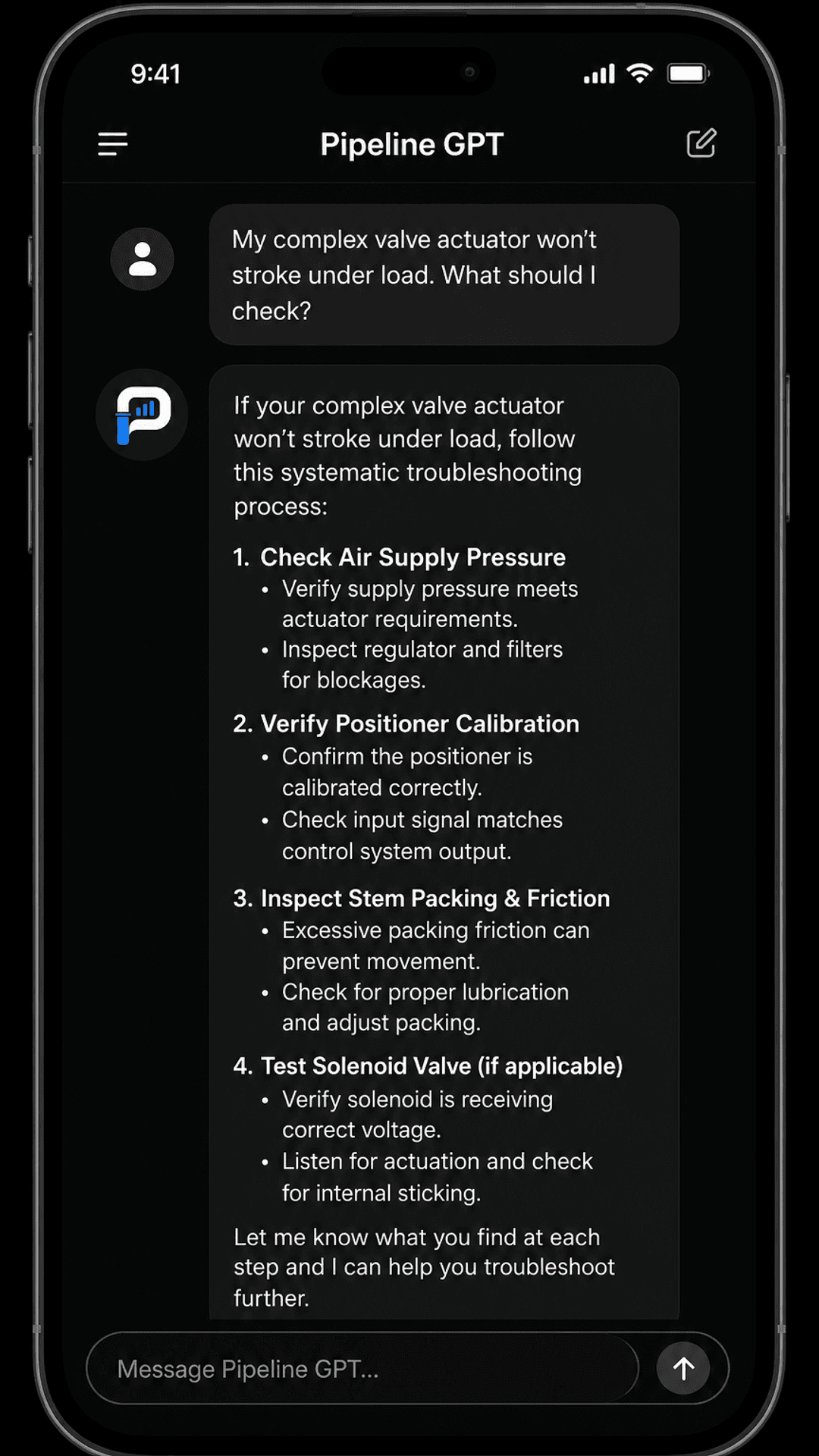
Mobile · Field Chat
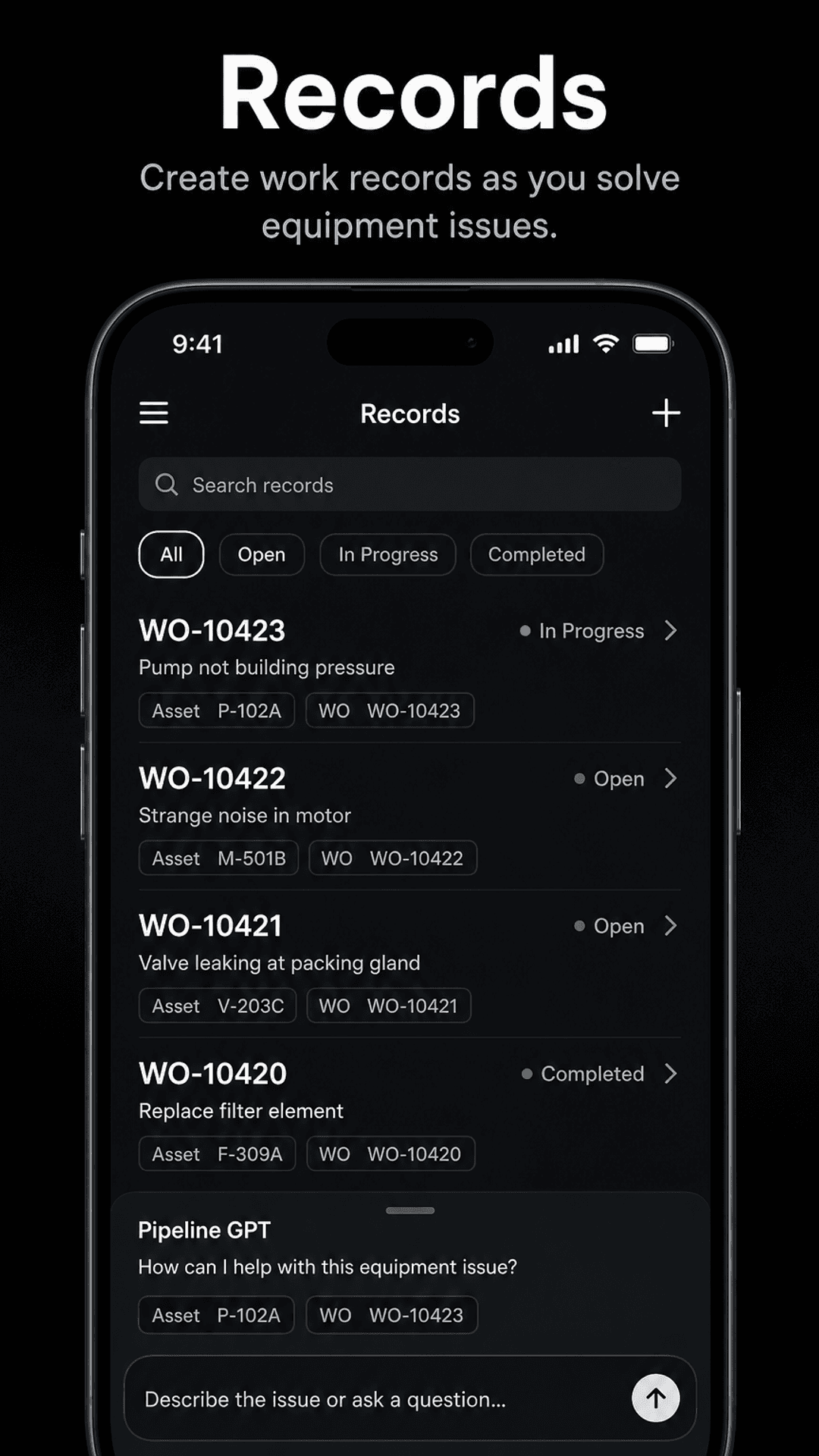
Mobile · Field records
Know. Find. Track.
Know
Search 40,000+ verified pipeline equipment models by specification, application, manufacturer, and compatibility.
Find
Compare alternatives when a part is discontinued or lead times slip — then ask Field Chat what to check on the asset in front of you.
Track
Log maintenance against the equipment your crews service. Photos and notes stay on the record, not in a personal camera roll.
Field crews
Field Chat is the workspace on site: diagnose equipment, follow guided steps, and leave a record before you leave the station.
- Ask about the asset in front of you without flipping through thousand-page PDFs
- Guided procedure steps in the same conversation — completion stays with the technician
- Work orders, assets, photos, and notes that keep working when coverage drops
- Android app on Google Play for the same system your office uses on the web
Operations
Give every site the same equipment identity: what is installed, what fits, and what was last done.
- Verified equipment catalog across manufacturers and pipeline equipment categories
- Cross-reference alternatives when the original is discontinued or back-ordered
- Station and asset context shared between office chat and field records
- Contract-operator and internal crews can work from the same equipment record
Compliance & procedures
Manuals and deadlines still sit next to the equipment record — cited answers, not a generic chatbot.
- Natural-language questions against your O&M procedures with source context
- Compliance calendar for recurring inspections and filings
- Versioned procedure context as manuals change
- Guardrails that keep proprietary data inside controlled boundaries
Security
Guardrails
Guardrails prevent proprietary data from being leaked to models and users. Manuals, station context, and internal procedures stay inside controlled boundaries — so AI can assist without exposing what must remain confidential.
- Blocks proprietary content from leaving approved model and user channels
- Keeps sensitive procedure language scoped to authorized workflows
- Supports audit-minded teams that cannot risk uncontrolled AI exposure
- Works alongside equipment records and Field Chat — not instead of them
Integrations & ecosystem
Start with equipment identity and your manuals. Grow into the controls your footprint requires.
- Verified pipeline equipment catalog (40,000+ models)
- Document libraries (PDF / DOCX O&M manuals)
- Android Field Chat (Google Play)
- Field records, photos, and notes
- Email & calendar deadline notifications
- SSO (Enterprise)
- Contract-operator multi-client workspaces
- Guardrails (proprietary data protection)
See it on the equipment your crews actually run
Book a demo, or install Android from Google Play and try Field Chat on a station you already know.